Settlement
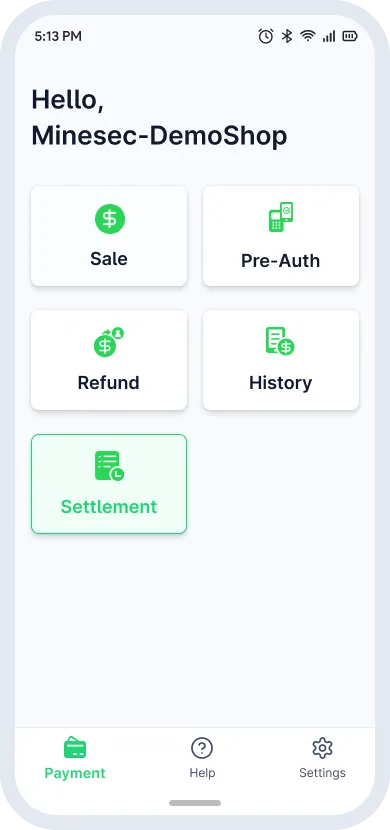
Settlement closes the current transaction batch and submits all approved transactions to the acquirer for fund transfer and reconciliation. Tap Settlement on the homepage to close the trading day or review past batches.
Run a settlement
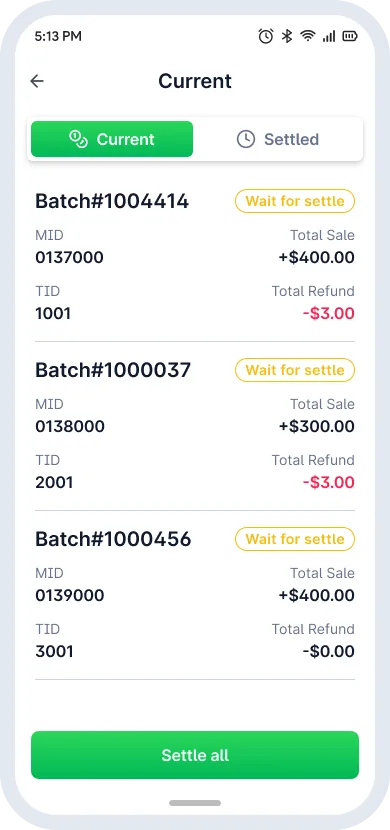
- On the Current tab, check the pending totals (Wait for settle or Processing).
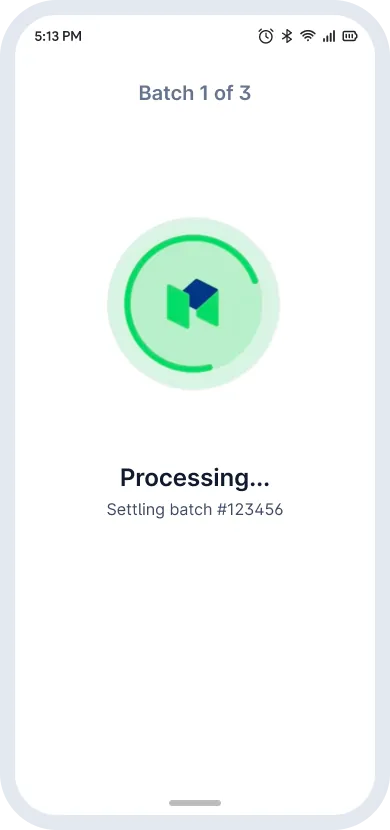
- Tap Settle all to start host communication and balancing.
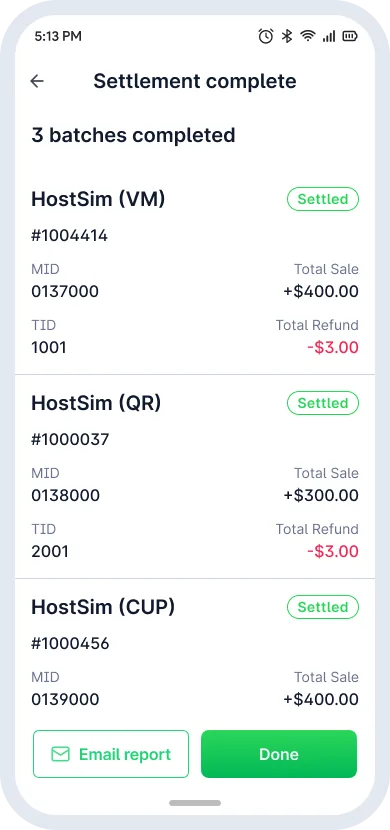
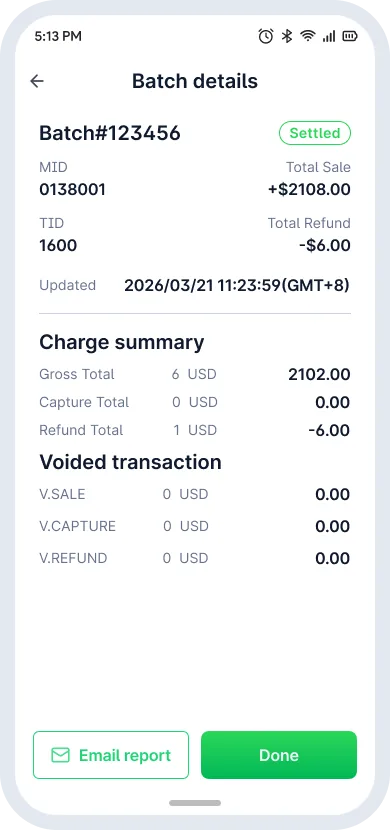
- When Settlement complete appears, tap Email report to export, or Done to return.
Review past batches
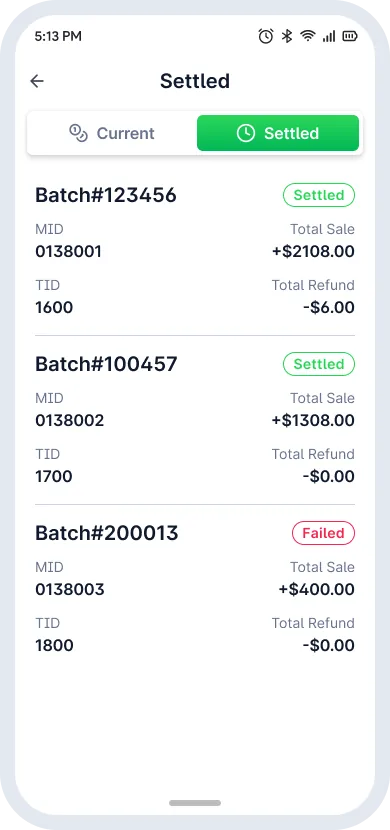
- Switch to the Settled tab to see the settlement history.
- Tap a record to open its Batch details page.
Settlement lifecycle
- Pending Settlement
- Settlement
- Settled