Refund
A refund returns money to a card or QR wallet after settlement. It must be linked to an original transaction.
Before you start: refunds only apply to settled transactions, and the refund amount cannot exceed the original transaction amount. To cancel a transaction that has not been settled yet, use a void.
Manual refund from the homepage
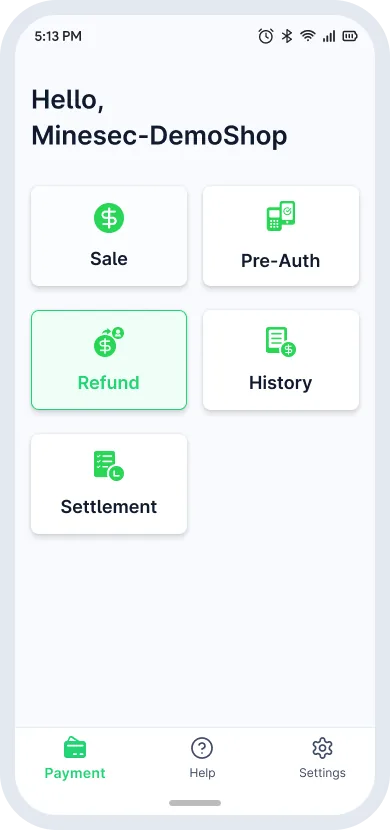
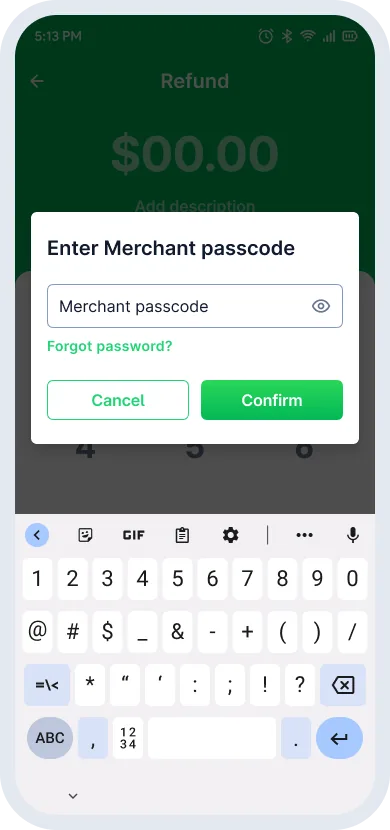
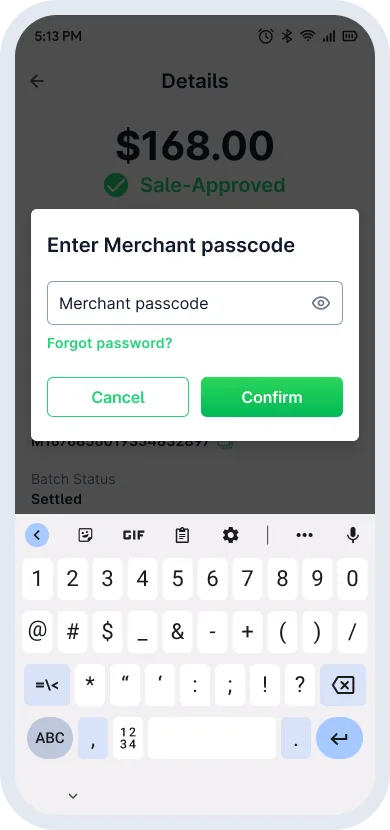
- Tap Refund on the homepage and enter the Merchant Passcode.
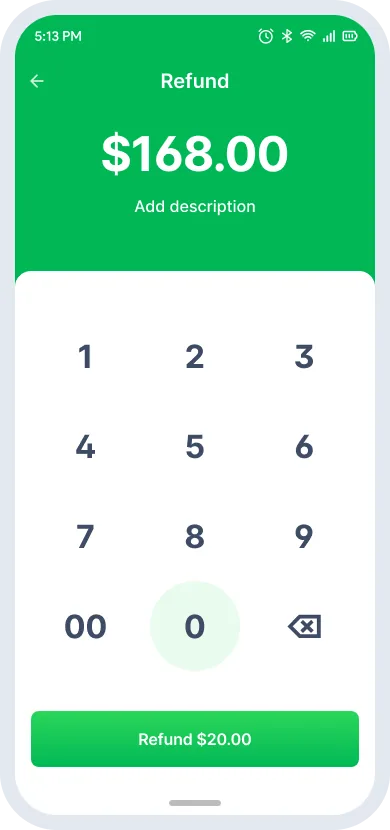
- Enter the refund amount and tap Refund.
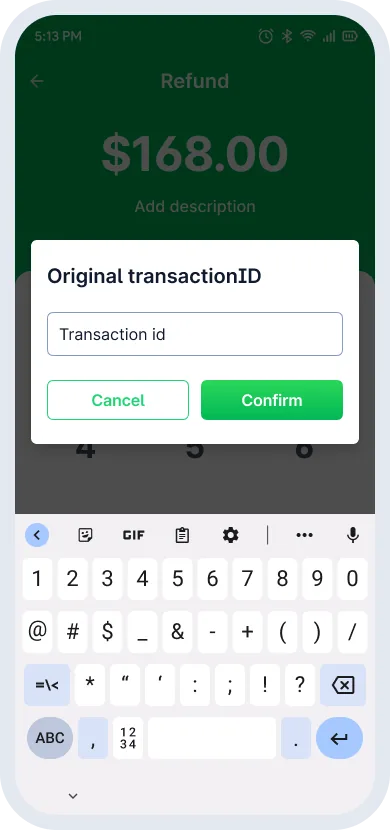
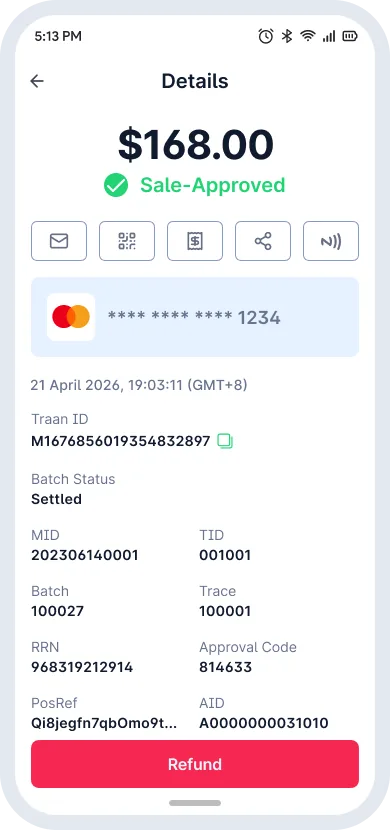
- Enter the Original Transaction ID and tap Confirm. You can copy the ID from the History details page.
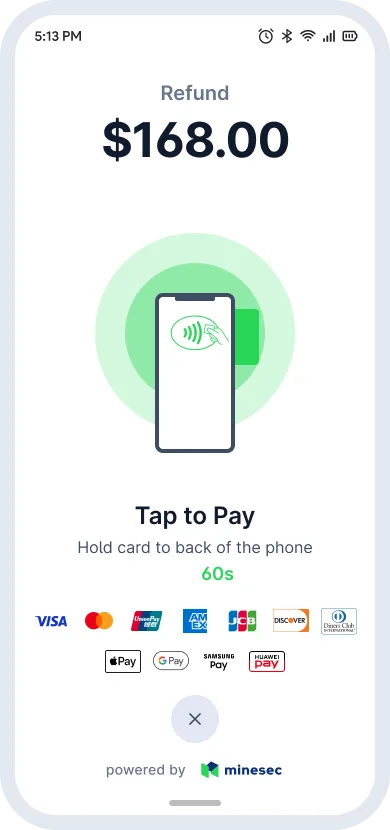
- The customer taps their card against the NFC reader.
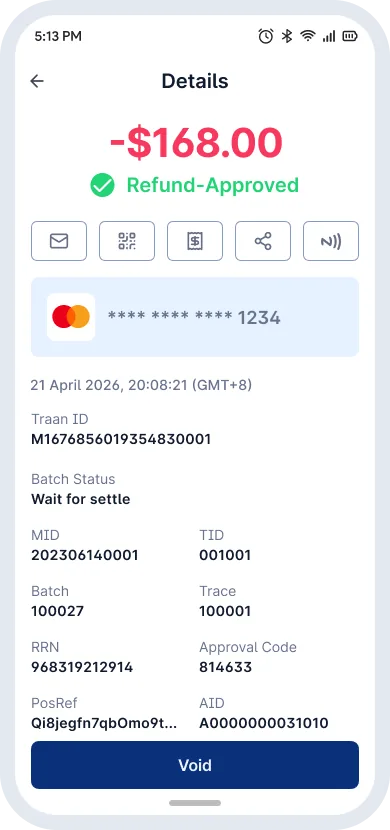
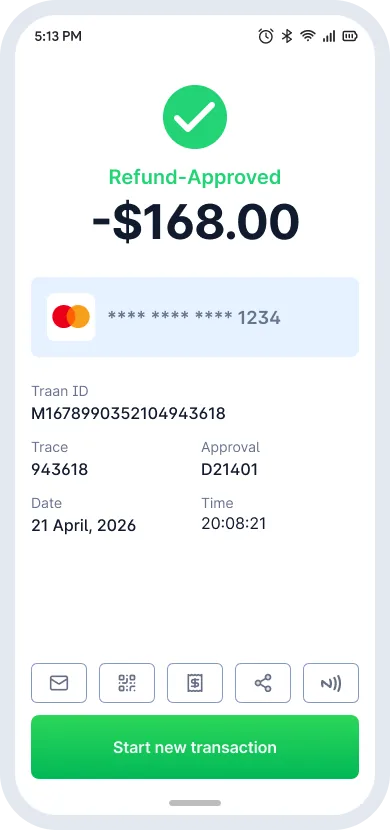
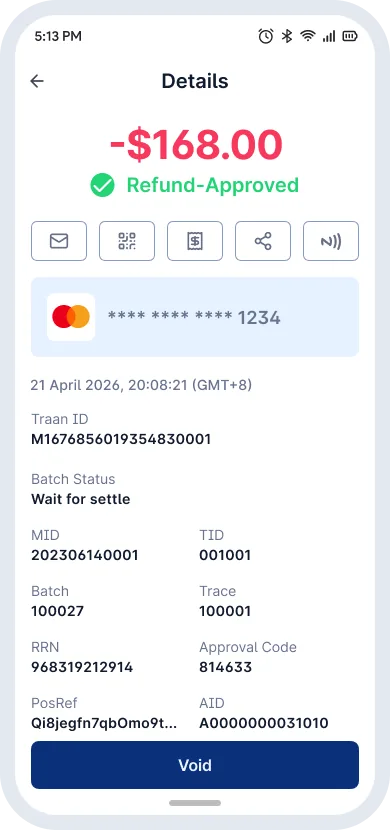
- On Refund-Approved, issue the receipt.
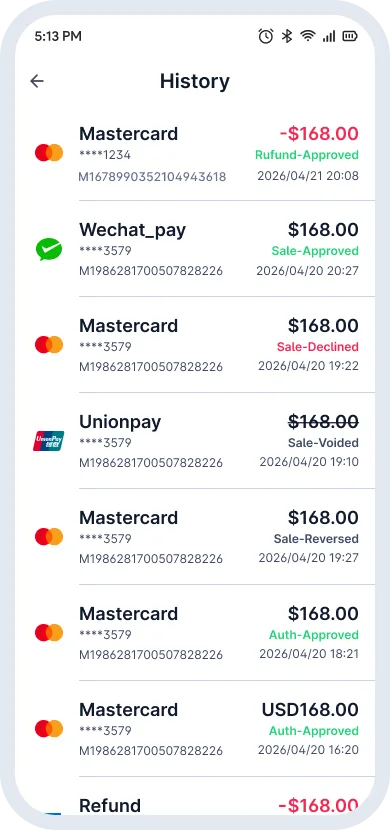
- The refund is listed under History. Tap it to open the refund details.
Quick full refund from History
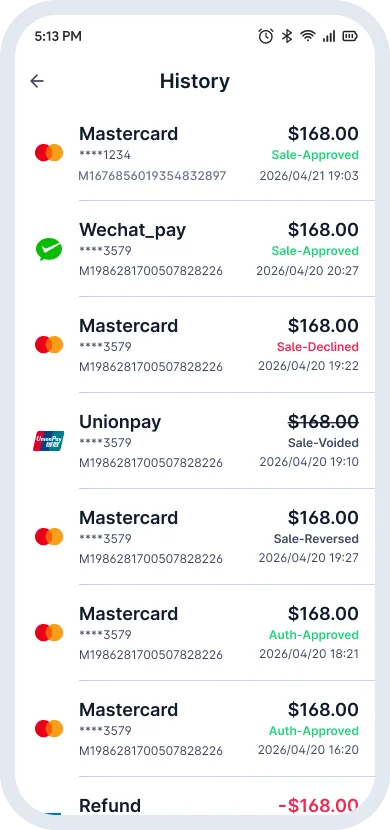
- Go to History and select the transaction to refund.
- Tap Refund at the bottom of the details page.
- Enter the Merchant Passcode and tap Confirm.
- Once authorized, the Refund-Approved screen appears and the refund is recorded in History.
Refund lifecycle
- Settled Transaction
- Refund
- Refund Approved
- Settlement
- Refund Settled
Track and cancel refunds
| Action | How |
|---|---|
| View | Find the refund in History and tap it to open the details page. |
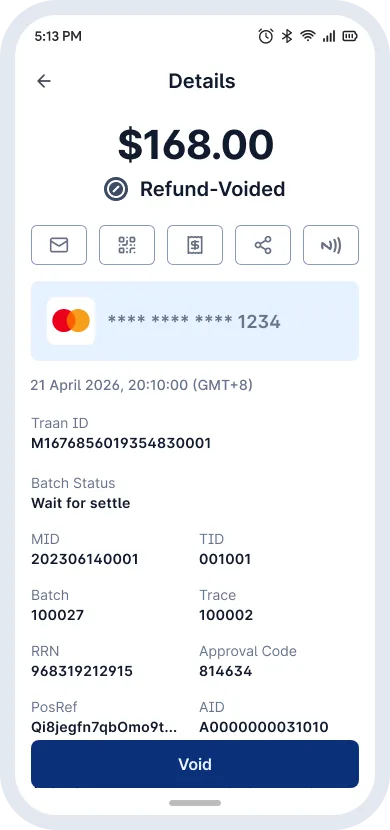
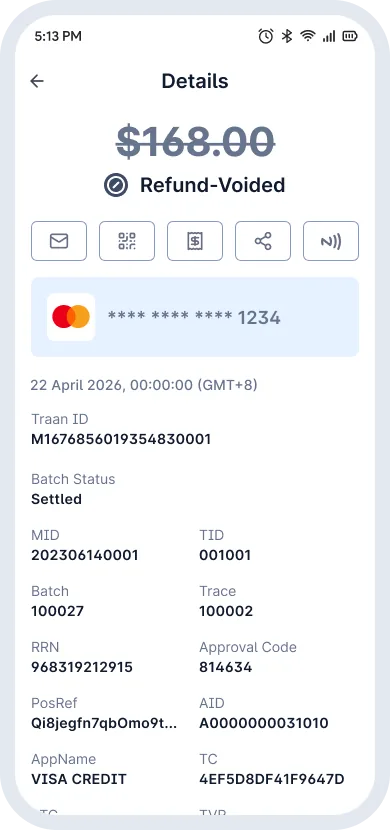
| Cancel | While the batch status is Wait for settle, tap Void to cancel the refund. Its status changes to Refund-Voided. |
| Settled | If there is no Void button, the refund has been settled and is final. |