Sale
A sale charges the customer immediately. The transaction is approved online and included in the next settlement batch.
Make a sale
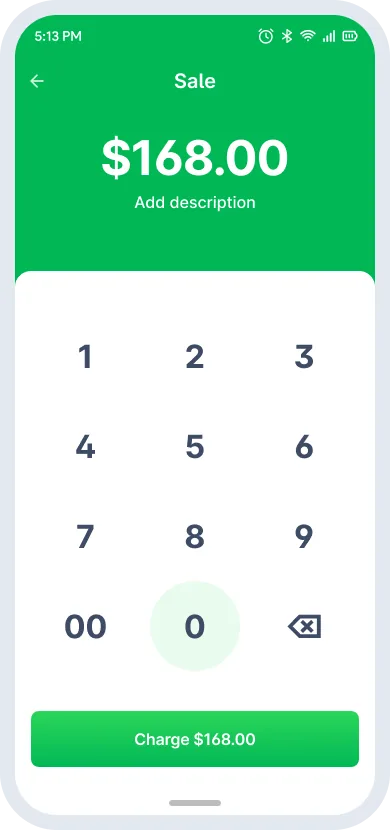
- Tap Sale on the homepage.
- Enter the amount and tap Charge.
- Optional: tap Add description to enter a merchant note or reference number, then tap Add.
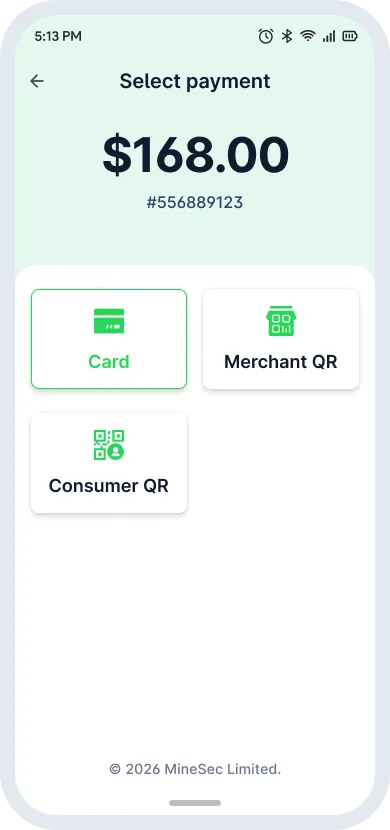
- Select Card or another payment method.
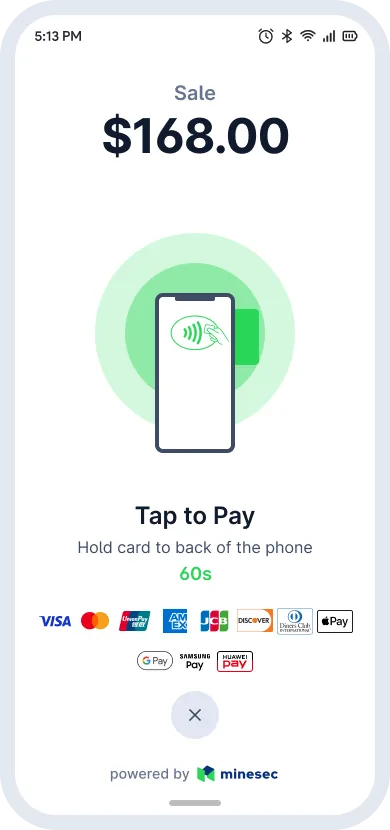
- The customer taps or holds the card against the device's NFC reader.
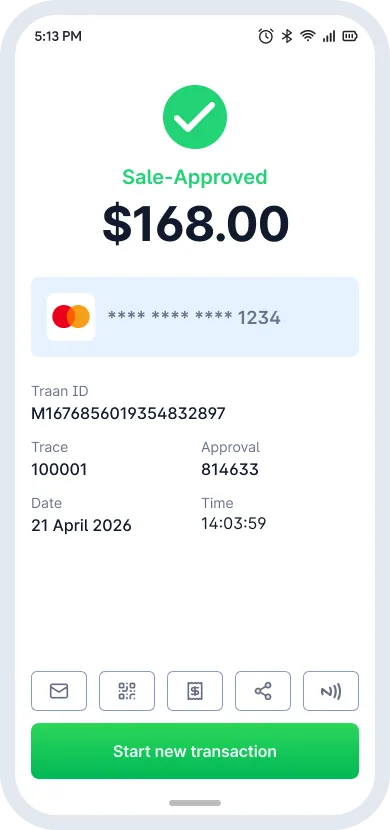
- Wait for the transaction to be authorized.
- On success, issue the receipt by Email, QR, E-Receipt or Share.
Sale lifecycle
- Sale
- Approved
- Pending Settlement
- Settlement
- Settled
Payment methods
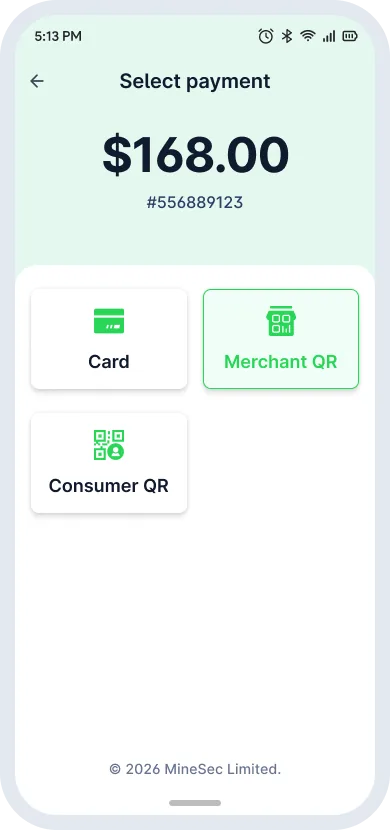
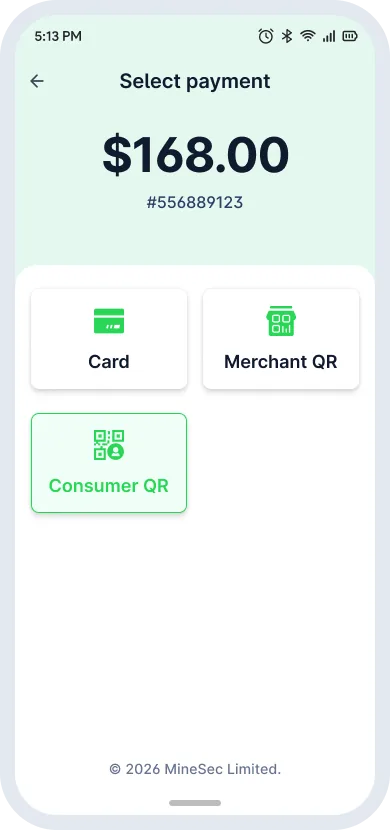
Choose a checkout method on the Select payment screen.
| Method | How it works |
|---|---|
| Card | Starts Tap to Pay. The customer holds their card or phone close to your device. |
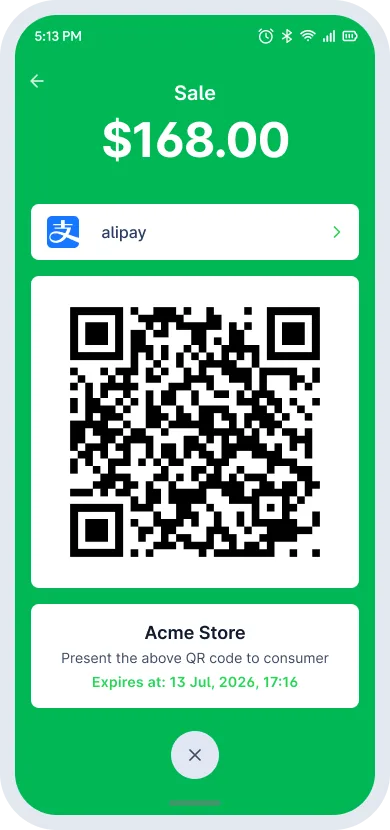
| Merchant QR | Shows a transaction QR code on screen. The customer scans it with their wallet app. |
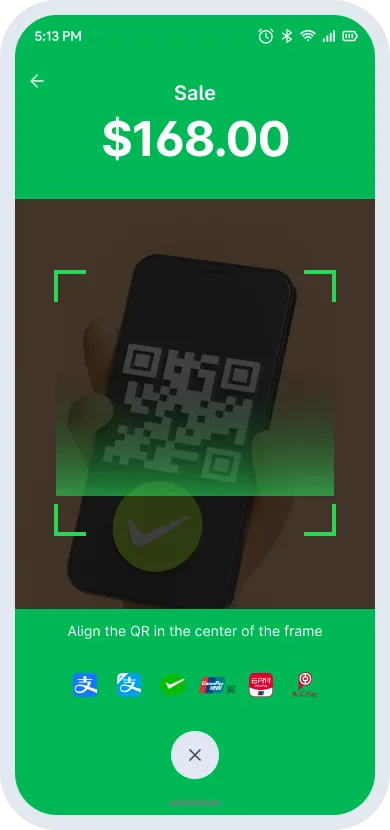
| Consumer QR | Opens the camera. Center the customer's payment code in the frame to scan it. |
⚠️
MineSec Pay 7 does not support offline transactions. Check the network connection before you take payments.